
Let your mind explore new world
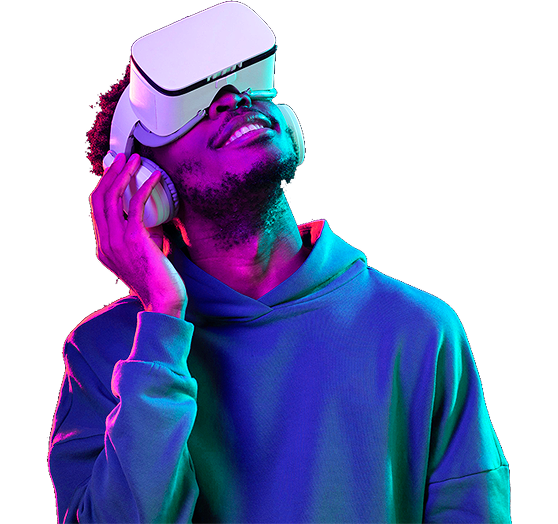
Dive Deeper with
Immersive VR Features

High-resolution displays
4K per eye, so text stays sharp and edges stay smooth.

Wide field of view
A 120° view fills your vision instead of framing it.

Haptic feedback
Controllers reproduce texture, recoil, and impact.

Spatial audio
Sound comes from where the source is, not from the strap.

Eye tracking
Renders detail where you look, saving battery elsewhere.

Wireless connectivity
Wi-Fi 6E streaming with no cable to trip over.

Social VR features
Meet friends in shared rooms and party voice chat.

Ergonomic design
Balanced weight and a one-dial strap for long sessions.
The Beginner's Guide to VR Mastery
Four steps take you from unboxing to your first full session. No prior experience needed, and nothing to configure on a PC.
- 1
Gear Up
Charge the headset, adjust the strap, and set the lens spacing to match your eyes.
- 2
Learn Controls
Five minutes in the tutorial covers grab, teleport, menu, and recentre. That is all you need.
- 3
Find Comfort
Clear a two-metre square, sit for your first session, and take a break every thirty minutes.
- 4
Dive In
Start with a guided experience rather than a fast-moving game — your inner ear will thank you.

Explore a Spectrum of Virtual Realities
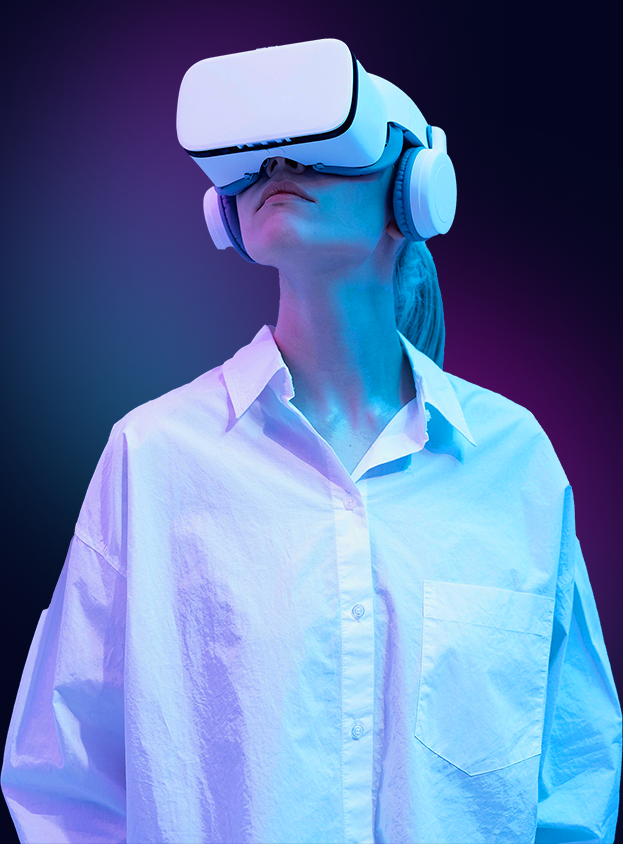
One headset, hundreds of worlds. Climb a ridge in Patagonia, sit front row at a concert, or run a design review with colleagues on three continents — all from the same room.
Every experience is graded for comfort and session length before it reaches the store, so you always know what you are stepping into.
- Over 400 titles across gaming, fitness, and travel.
- Room-scale and seated modes in every experience.
- New worlds added to the library every month.
Simplifying the Use of Our VR Glasses
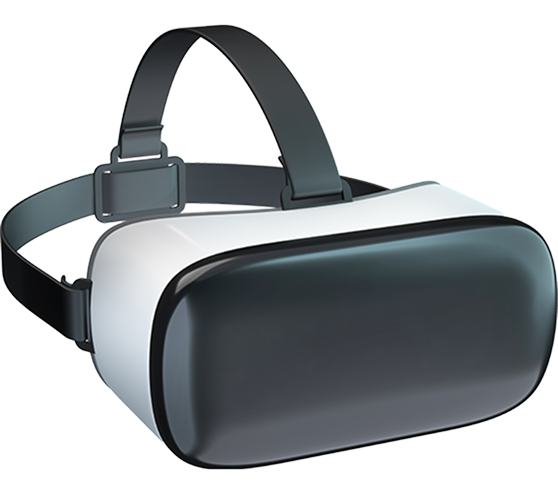
Open the box, press one button, and you are in. There is no PC to configure, no base stations to mount, and no firmware to flash before your first session.
The strap adjusts with a single dial and the weight sits on your forehead rather than your cheekbones, so an hour-long session does not leave a mark.
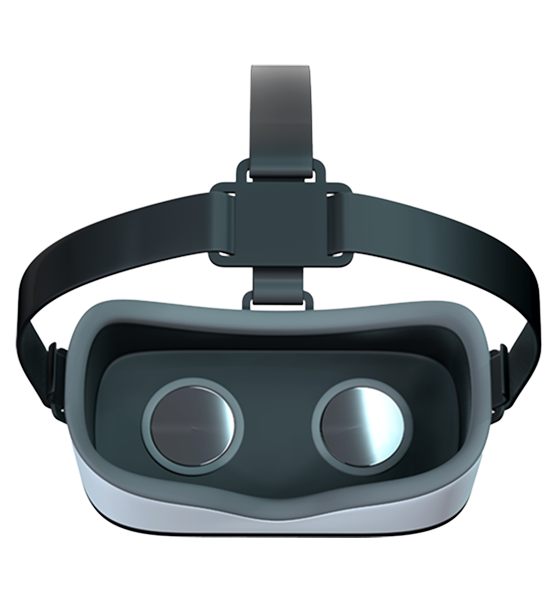
Lenses slide to match your eye spacing and there is room for glasses underneath, which means the headset fits everyone in the house without a fight.
Learn More

Step into the Virtual Realm: Witness the Magic of VR
Two minutes of footage from inside the headset. Watch how the world moves with you — then try it yourself at one of our demo stores.
Frequently Asked Question
The questions we hear most from people trying VR for the first time — answered without the jargon.
Customer Success Stories
Real numbers from real engagements, in the words of the people who signed off on them.
Ask us for references and we will connect you directly.
Six weeks from kickoff to launch, and the component library they left behind means our own team ships new pages without waiting on anyone.
 Jenny WilsonDeveloper, AppQonics
They scoped the work honestly, quoted a fixed price, and hit every milestone. Organic traffic doubled within two quarters of the rebuild.
 Leslie AlexanderCEO, AppCom
We came in wanting a redesign and left with a clearer positioning story. Demo requests went from a trickle to roughly forty a month.
 Wade WarrenFounder, TheWall
Their engineers worked inside our repo and our review process from week one. Deploy times dropped and our error rate fell by half.
 Marvin McKinneyCTO, Nexlab